
Menu
Menu




Top Ranked Fencers
Epee
 Sera SONG
When and where did you begin this sport?
She began fencing at junior high school in Geumsan County, Republic of Korea.
Why this sport?
Her physical education teacher suggested the sport to her.
Learn more→ Gergely SIKLOSI
When and where did you begin this sport?
He began fencing at age seven. "I was doing it for fun until around 14 when I beat the Hungarian No. 1 at that time, and realised that this is serious, for real."
Why this sport?
"When I first tried [fencing], I felt like 'this is me'. Fencing is not only about physical or technical capabilities, it's also about mind games. It's not the fastest or the strongest who wins. It's the one who can put the whole cake together."
Learn more→Foil
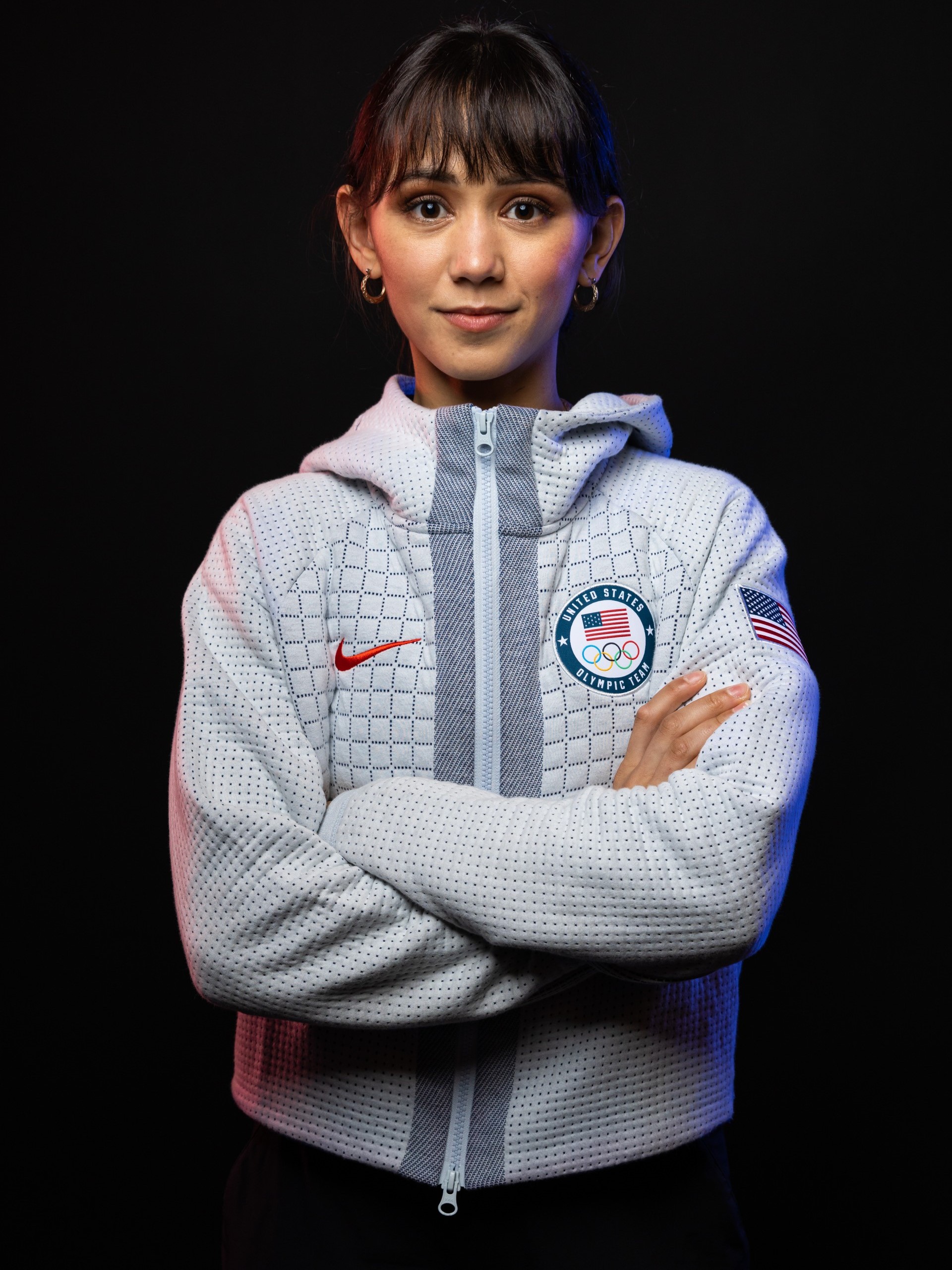 Lee KIEFER
When and where did you begin this sport?
She began fencing at age six after watching her father fence at a local competition. "My siblings and I thought the sport was strange and interesting-appearing, so my dad started teaching us the basics in our empty dining room and taking us to a club twice a week that was 1.5 hours away from where we lived."
Why this sport?
She and her brother and sister followed their father, Steve Kiefer, into the sport. "Growing up my dad decided that he wanted to take up fencing again. He hadn't picked up a foil in 10 or 15 years, and me and my siblings watched him compete at a local tournament. Then he asked if we wanted to try it, and we said yes. Twenty years later I'm still doing it."
Learn more→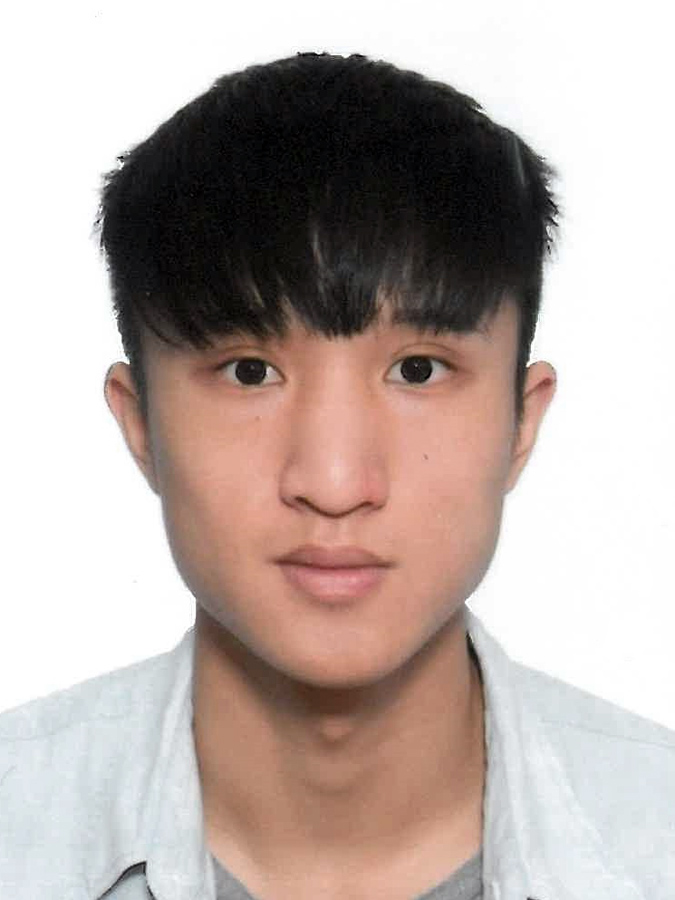 Chun Yin Ryan CHOI
When and where did you begin this sport?
He began fencing in grade four of primary school.
Why this sport?
His mother forced him to go to a fencing lesson. "I didn't really want to go, but my mother made me because it was run by a friend of hers and they wanted more students. But, after the class, I loved it and wanted to continue."
Learn more→Sabre
 Misaki EMURA
When and where did you begin this sport?
She began fencing at age nine.
Why this sport?
She was encouraged to try the sport by her parents, and went to a fencing class where her father coached. She took up foil in grade three of primary school, but competed in sabre at a competition which had a prize of a jigsaw puzzle. She then switched to sabre before starting middle school.
Learn more→ Jean-Philippe PATRICELearn more→
Results & Competitions
Latest Results
| Competition | Date | Weapon | Gender | Cat |
|---|---|---|---|---|
| Medellín | 2026-05-08 | epee | M | |
| Istanbul | 2026-05-03 | foil | F | |
| Istanbul | 2026-05-03 | foil | M | |
| Incheon | 2026-05-02 | sabre | F | |
| Incheon | 2026-05-01 | sabre | M |
Upcoming Competitions
| Competition | Date | Weapon | Gender | Cat |
|---|---|---|---|---|
| Medellín | 2026-05-09 | epee | F | |
| Shanghai | 2026-05-15 | foil | M | |
| Shanghai | 2026-05-16 | foil | F | |
| Cairo | 2026-05-22 | sabre | M | |
| St-Maur | 2026-05-22 | epee | F |
Warning: While "Backup Images" are legal software, many public backups come pre-loaded with "gifts."
Safe Practice: Download backups only from trusted communities (Linux-Support, OpenATV Nightlies, or reputable Facebook groups). If a backup claims to open "all channels for free," delete it immediately. It is either a virus or will be shut down within a week.
Backing up images from your VU Solo 4K is a straightforward process with multiple options available. By adopting a reliable backup strategy, you ensure that your cherished memories and important data are preserved. Regularly backing up your data provides peace of mind and protects against the unforeseen, making it an essential practice for all digital device users.
Protecting Your Vu+ Solo 4K: A Guide to Backup Images Whether you’re a power user constantly tweaking your Vu+ Solo 4K or just want peace of mind, having a reliable backup image is your "get out of jail free" card. If a plugin crashes or a configuration goes sideways, a full image backup restores your entire system—including settings, skins, and channel lists—in minutes. Choosing Your Foundation
Before backing up, you need a solid base image. While the original manufacturer firmware is available, most users prefer custom firmware (Enigma2) for better performance and features.
OpenViX: Popular for its user-friendly interface and regular updates, like the recent v6.7 releases.
OpenPLi: Known for being lightweight and fast. Current builds include the Scarthgap series.
VTi: A community favorite specifically for Vu+ devices, offering deep integration of hardware features.
BlackHole / OpenSPA: Other top-tier choices often used by enthusiasts for their advanced customization. How to Create and Use Backup Images
You can find pre-configured "Backup Images" on community hubs like VUplus-Images, which often come pre-loaded with popular plugins and channel settings. VUplus-Images
Backup Images For VU+ Receivers * Mar 23, 2026. * DirtyDonki. vuplus-images.co.uk Backup Images For VU+ Receivers vu solo 4k backup images
VU+ Ultimo Backup Images Openpli 8.3 Vu+ Ultimo 4K By Cahit/İZMİR*** Backup. * Oct 29, 2022. * stefandeda. vuplus-images.co.uk
VU+ Polls - In your opinion what is the best image for VU+ receivers
What is the best image for VU+ receivers ? * OpenSPA Team VU+ Images. Votes: 32 37.2% * OpenVIX Team VU+ Images. Votes: 19 22.1% * vuplus-images.co.uk VU+ SOLO4K - OpenViX
Once you customize a backup image to perfection, you should create your own personal backup. This saves you from re-flashing next time you experiment.
The VU Solo 4K uses a multi-boot system via the internal 4GB eMMC. You can keep your current image and flash a backup to a new slot. Here is the safest method:
As of late 2023, the following images are considered stable and performant for the Vu+ Solo 4K (Mipsel architecture).
| Image Team | Stability | UI/UX | Key Features | Verdict | | :--- | :--- | :--- | :--- | :--- | | OpenATV | High | Standard | Massive plugin feed, frequent updates. | Best for Tinkerers. Highest compatibility. | | OpenViX | High | Modern | Fast, clean interface, robust networking. | Best for Daily Use. Very stable. | | VTi (Vu+ Team) | High | Optimized | Developed specifically for Vu+ hardware. | Best for "Out of Box" experience. | | BlackHole | Medium | Classic | Lightweight, historically popular. | Good, but updates are slower than OpenATV. | | TeamBlue | High | Graphical | Heavily customized graphics/Skin. | Best for Visuals. Heavy on resources. |
Warning: The Vu+ Solo 4K uses the Mipsel architecture. Do not attempt to flash Arm or SH4 images, as this will brick the device.
The Vu+ Solo 4K remains a high-performance E2 (Enigma2) receiver. Due to the complexity of plugin dependencies and driver configurations, maintaining a robust backup strategy is essential. This report details how to create personal backups and where to find reliable "third-party backup images" (often called Team Images).
For the casual user, a VU Solo 4K backup image is a game-changer. It transforms a complicated Linux machine into a consumer-friendly appliance. For the advanced user, it is a time-saver that allows you to test risky plugins without fear, knowing you can roll back instantly. Warning: While "Backup Images" are legal software, many
Our Recommendation:
The VU Solo 4K remains a masterpiece of hardware. With the right backup image, it becomes the centerpiece of your home theater entertainment system. Flash, scan, and watch—it is truly that simple.
Keywords: VU Solo 4K backup images, OpenATV Solo 4K, flash VU Plus USB, Enigma2 backup restore, best image for VU Solo 4K
Comprehensive Guide to Vu+ Solo 4K Backup Images Using a backup image on your Vu+ Solo 4K is the most efficient way to skip hours of manual configuration. Whether you are looking for a pre-configured setup with the latest picons and plugins or want to create your own "failsafe" restore point, understanding how to manage these images is essential for any Enigma2 enthusiast. Popular Enigma2 Images for Vu+ Solo 4K
The Vu+ Solo 4K supports a wide variety of community-driven firmware. Most users prefer "Backup Images" from VuPlus-Images because they come pre-loaded with channel lists, softcams, and skins.
OpenViX: Highly popular in the UK and Europe for its user-friendly interface and robust "Software Manager" for easy backups.
OpenPLi: Known for being lightweight and fast. Latest "Scarthgap" builds are frequently updated for the Solo 4K.
VTi (Vu+ Team Image): Often considered the most stable as it is based closely on the original Vu+ factory firmware.
BlackHole / OpenBlackHole: Favored by users who prioritize advanced media features and a sleek aesthetic. How to Create Your Own Backup
Before making major changes to your receiver, you should always create a personal backup. Warning: The Vu+ Solo 4K uses the Mipsel architecture
Mount a Storage Device: Ensure a USB stick or HDD is connected and initialized (typically as media/usb or media/hdd).
Access Backup Tools: In most images like OpenViX, press the Blue Button to access the Vix menu and select Backup Manager or Image Manager.
Run Full Backup: Choose the option for a "Full Image Backup." This creates a compressed .zip file containing a vuplus folder with the necessary root and kernel files. How to Flash a Backup Image via USB
To restore a backup or install a new pre-configured image, follow these steps: Prepare the USB: Format a USB stick to FAT32.
Copy Files: Extract the backup zip file. You must have a folder named vuplus at the root of the USB, containing a subfolder named solo4k with approximately 5-6 files. Initiate Flashing: Power off the receiver using the rear switch.
Insert the USB into the front or rear port (front is often preferred for accessibility). Power the receiver back on.
When the front LCD screen displays "Update! Press Power", quickly press the physical Power Button located behind the front flap.
Completion: The LCD will show the flashing progress. Once finished, the receiver will automatically reboot. Remove the USB stick immediately to prevent it from entering a flash loop. [Closed] Restore Backup image on Vu+Uno 4K - Vuplus Support
Avoid random Telegram or Facebook links. Stick to:
Always verify the file hash and ensure the image matches your bootloader version (Vu Solo 4K uses bootloader CFE v2.0+ for multiboot).






