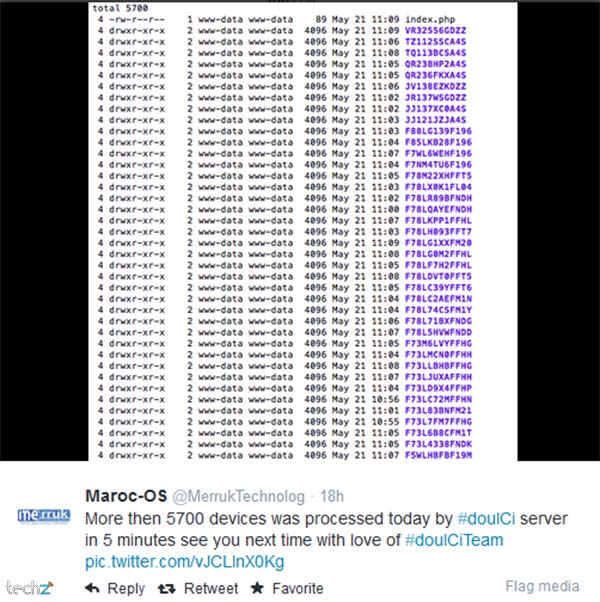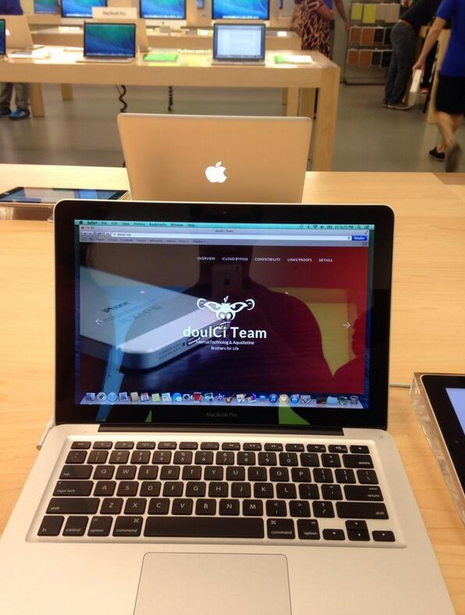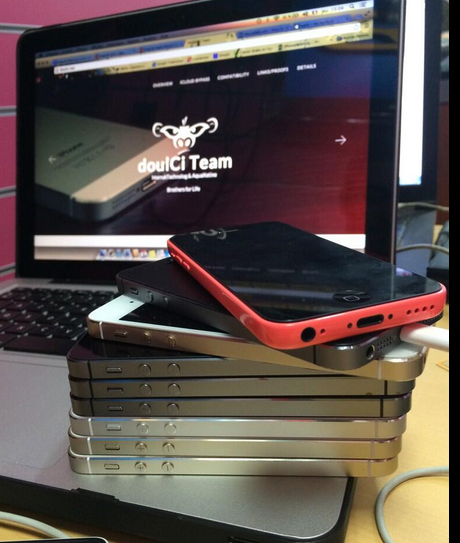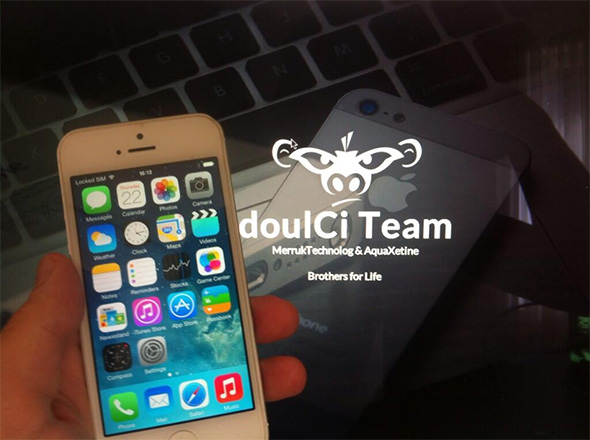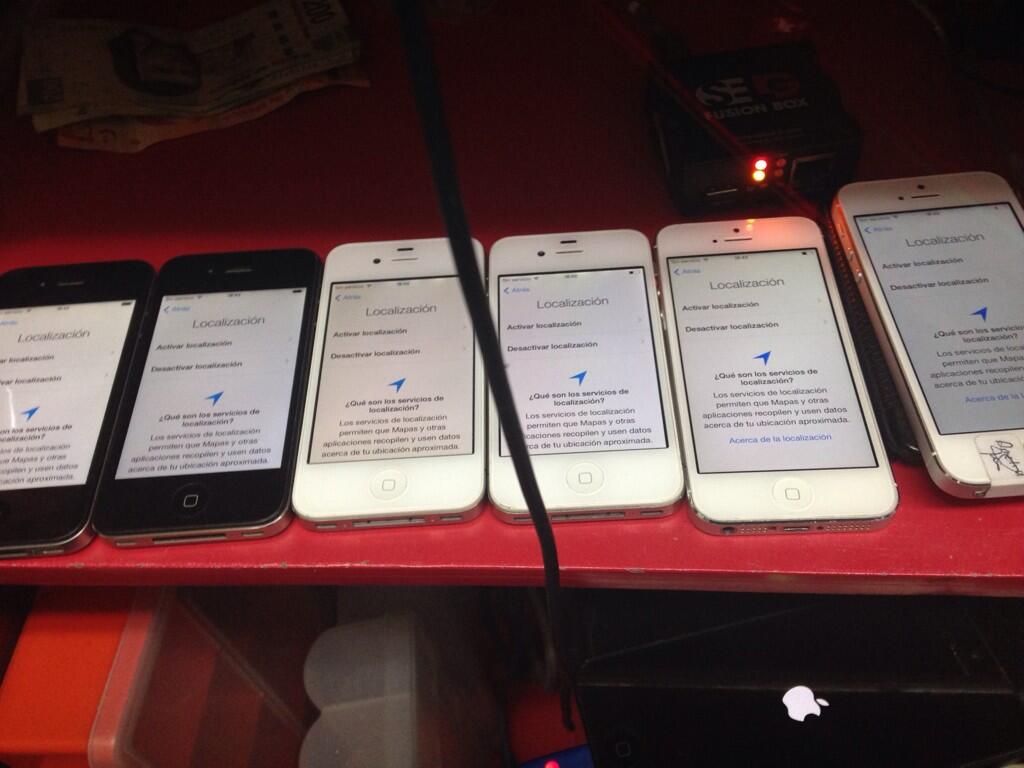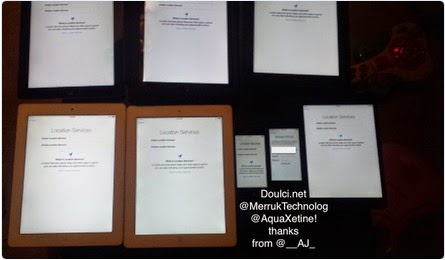

* doulCi Bypass Server source codes Cleaned, and soon in github.org, with the examples of codes you can build your own custom bypass server and know how-to activate iCloud with doulCi. Also! We are going to publish two new write up's about bypass hacks on this website.
* doulCi Activator ZIP files gotten from the web-searches is not a doulCi Team Software, we have not published any iCloud Bypass Software on the web. We just had doulCi Server with MAGIC LINE, and a video on youtube showing the software educative solution. Please Note that We are NOT RESPONSIBLE FOR ANY DAMAGES TO YOUR COMPUTERS IF YOU HAVE USED ONE OF THEM OR OTHER THINGS THEN DOULCI ICLOUD BYPASS SERVER WHEN IT WAS ONLINE.
The greatest trick of these scam artists is not that they copy @MerrukTechnolog (Maroc-OS) / @Merruk.
But it's when they make/tell everyone else think they are not!
- doulCi was built with love for people, to give them a second chance to get there iDevices working again (locally iCloud free, bypassed) for simple use, if you use iCloud we have made this project because we are thinking about you, and how we can be helpful for you and your family's safety. This amazing iCloud Hack tool called doulCi can bypass the iCloud Activation Lock and get your device working again, partially (we do not give you a bypass to forgot password for iCloud, login iCloud email, personal iCloud activation infos or how to use iCloud but we give you just a hack iCloud help with our free service to bypass it if you know how to activate iCloud with this tool), so you can get back your digital life, contacts, mail, notes, etc... Without giving you a full access to the cellular network, or a full functional device, because we are not sure that you are the real owner of this bypassed iDevice.
- doulCi bypass is built only for personal use, and conditionally for the original owners which have lost/got hacked or forgot there iCloud login informations. Please! Use it at your own risk.
Thanks for all the grateful people who we love. And because they believe in us and our free iCloud bypass service.
- doulCi.com still up only until today just for proof reasons, and to let people know about that this website is the only, was and still the official doulCi bypass website.
- Also, to let them know about the server with the magic line and all the was suspended in the last months of 2014, after Apple patched the two vulnerabilities used in that bypass.
- Because i want to make it clear for all my followers and people who comes from search engines, if we shut-down, others will be free and only on the web, they will lie to you without any reason, just because they want to stole your money or do something else bad.
- The word "doulCi" has been stolen by scammers and thief’s, and everyone now on the internet claims that he is part of what was so called "doulCi Team", they are all scammers, and i/we have never released a software or a programme to bypass Apple's iCloud called "doulCi Activator, doulCi Kitchen, doulCi Programme, doulCi Registrations, doulCi Server Licences, etc..." or anything else, the above words are all scam except for doulCi Kitchen that i have only published an article about it in my website "merruk.com". If you found a software or someone else claim he have it then it's a lie, again.
- just because am afraid from those scammers and thief's to use it (doulCi Kitchen) for other lies, ad-ware, spyware, malware, virus/trojan to build bot-nets and/or other scam proposes, and because scammers maked the name "doulCi" really bad and a reflection of scam, i decided to do not release it and only write an article about the basics of how it works on this article doulCi Kitchen, a.k.a. doulCi 2.0 just after the article that talks about leaving Apple's products and any other researches about it here, Maroc-OS's Goodbye Article Introduction..
- The new Developed method of this iCloud ByPass didn't released for public, but an article of PoC details was published in merruk.com as i said above, and PoC tests provided/proofed in twitter by @MerrukTechnolog, in the middle of 2015.
- After publishing the detailed techniques by about 6 or 7 months later only one other person has got a way to do it, because we had some shared infos from both parts, this method is only works for iOS 7.1.1 and lower, otherwise everything published on the internet now are just scam/viruses or thief in about 90% of cases, the last 10% cases uses illegal ways to do this which I never agree or accept to be one of them, and there prices are very heigh.
- Maybe after some time, when ll be sure there are no people who will use me and my research to do illegal things or get money from free knowledges/services that is shared for free, then I can open-source this doulCi Kitchen method.
knightofkanto"Thanks from Las Vegas iPod touch 5th gen (3 including the one I'm using )"
Mr. Oak"I already told you that you're THE BEST, AMAZING, MASTER. I really thanks you"
iCloud Bypass : doulCi is the world's first alternative iCloud server, and the world's first iCloud Activation Bypass. doulCi will bypass and activate your iDevice for you when you are stuck at the activation menu.
So, why would you use it? For example, if you have forgot your iCloud email Apple ID or password, or you are no longer have access to your old iTunes email account, then its impossible to regain control of your Apple Product! no iCloud mail account will be given to you. doulCi iCloud bypass server is the only solution on the web that will enable you to regain the permanent access of your Apple iDevice and give it back to you without using the original icloud account email and password, but there is some limitation, you have no control of cellular data and no cellular network.
More Information and iCloud help will follow soon if you forgot iCloud! so stay tuned on merruk.com or doulci.com
We Had Support for All Apple iDevices!
GSM iPad's and iPhone 4S, iPhone 5 (C) (C), Still In Beta Testing, and needs a SIM Card with pin active on it to bypass the activation loop state. Please follow doulCi Team members on twitter or the Official doulCi websites for daily updates.

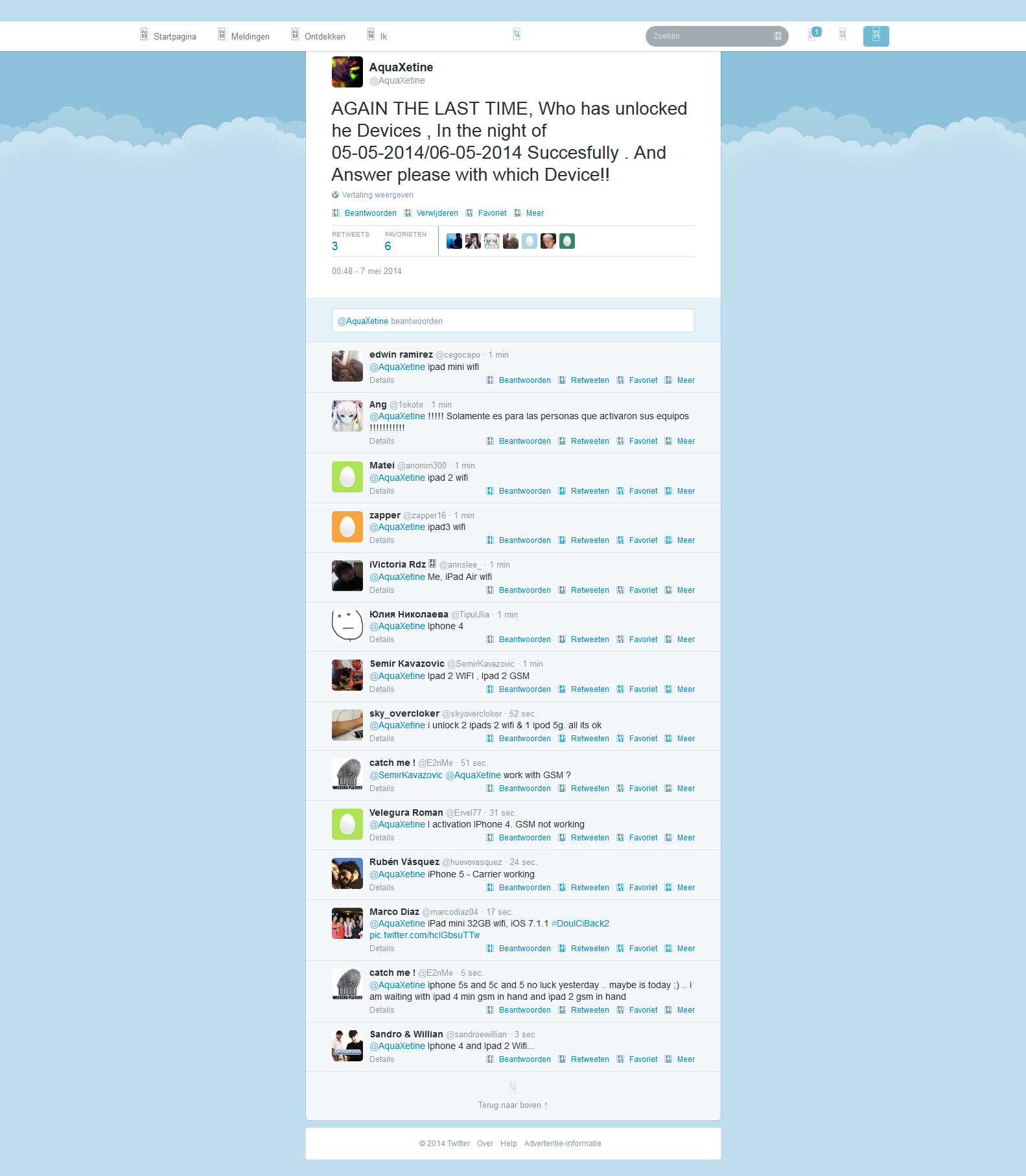
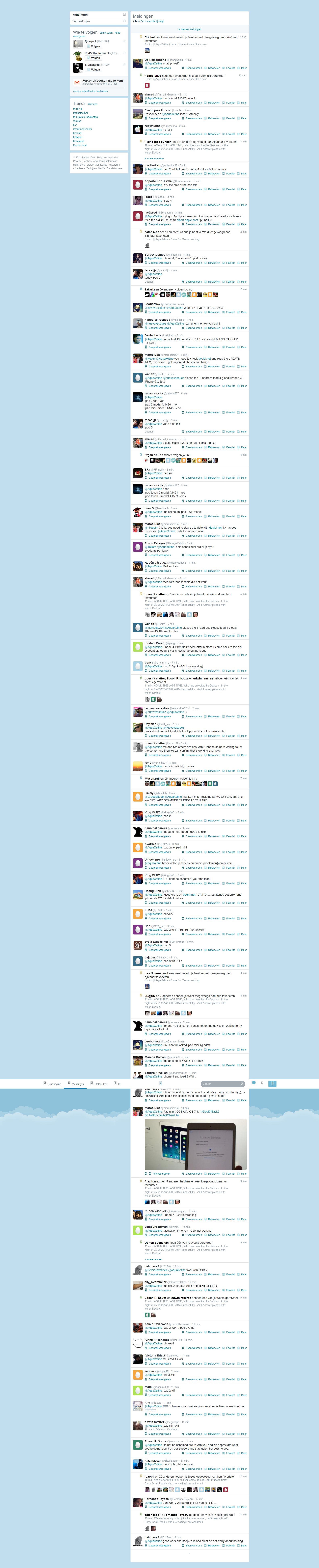
This is the first conversation that proof what gadgetwide using as server is the real and only working platform (doulCi).


How to decide: Add up your monthly invoices. If you send fewer than 20, Starter is fine. If you send 200, Premium is mandatory.
Do you want employees to submit receipts via the mobile app? That is not free.
In many regions (particularly the UK, Australia, and New Zealand), Xero relies on "bank feeds"—automated imports of your bank transactions.
Now that you know precisely how Xero fees work, here is your action plan to avoid overpaying:
Xero is powerful software. Its fees are not hidden—they are just layered. By understanding the difference between a base plan, an add-on, a user role, and a payment gateway, you can cut your monthly bill by 30-50% without losing a single feature.
The key takeaway: Xero fees work based on access and volume caps, not transaction volume. Master those caps, and you master the cost.
Disclaimer: Pricing and features mentioned are estimates based on publicly available data as of this writing. Xero changes its pricing regularly (typically every 18-24 months). Always log into your Xero account and visit Settings > Subscription for your exact, real-time fees.
Xero's fee structure is designed around feature-based tiers rather than charging per user, making it a unique "unlimited seats" option for growing teams The Core Pricing Tiers Starter / Early Plan
: Aimed at freelancers and new businesses. It usually limits the number of invoices and bills you can enter per month. Growing / Standard Plan
: Removes limits on invoices and bills. This is the most popular choice for established small businesses. Established / Premium Plan
: Unlocks advanced features like multi-currency support, project tracking, and advanced analytics. Hidden "Add-On" Fees
While the base subscription is straightforward, your monthly bill can grow based on specific business needs: Payroll Fees
: Typically charged as a base monthly fee plus a small fee per active employee paid. Expense Claims
: If you need employees to capture receipts and submit claims via the mobile app, this often incurs a per-user or flat monthly add-on fee. Project Tracking
: Advanced job costing and time tracking tools (Xero Projects) are usually an optional paid extra. Third-Party App Costs
: While Xero integrates with over 1,000 apps, most (like Stripe for payments or specialized inventory tools) have their own separate subscription or transaction fees. Ways to Reduce Costs
Digital marketing for small business: practical guide | Xero UK
If you are a small business owner or an accountant, you have likely felt the sting of rising software costs. Xero, while being one of the most powerful cloud accounting platforms on the market, is not immune to price adjustments.
When you see the charge on your bank statement, you might wonder: "How exactly do Xero fees work, and what am I actually paying for?" xero fees work
Whether you are trying to budget for the financial year or wondering why your bill seems higher than expected, this post breaks down the mechanics of Xero’s pricing structure.
Abstract Xero, a leading cloud-based accounting software, has disrupted traditional desktop accounting by adopting a subscription-based fee model. Unlike legacy software that charged perpetual licenses plus hidden upgrade costs, Xero’s pricing is transparent, tiered, and recurring. This paper examines how Xero structures its fees, the strategic rationale behind its per-organization/per-user billing, and the financial implications for small to medium-sized enterprises (SMEs) and accounting practices.
1. Introduction The shift from on-premise software to Software-as-a-Service (SaaS) has fundamentally changed how businesses pay for accounting tools. Xero, founded in New Zealand, charges a monthly subscription fee based on feature access rather than per-transaction or per-computer licensing. This paper argues that while Xero’s recurring fees can appear higher than one-time purchases, their structure reduces total cost of ownership (TCO) through eliminated upgrade fees, automated bank feeds, and integrated payroll.
2. The Tiered Fee Model As of 2025, Xero’s core pricing in major markets (US, UK, AU) follows a three-tier structure:
Additional fees apply for:
3. Justification of the Fee Structure
3.1 No Per-User vs. Per-Organization Logic Unlike competitors that charge per named user (e.g., QuickBooks Online charges per login), Xero charges per organization but allows unlimited users. This unique model favors collaborative teams (e.g., a business owner plus two accountants) but penalizes multi-entity enterprises that need separate Xero accounts for each legal entity.
3.2 Bank Feed Costs A hidden cost driver is the bank feed connection. Xero pays third-party aggregators (e.g., Yodlee, Plaid) for direct feeds. While most basic feeds are free, premium banks or real-time feeds may trigger higher subscription tiers.
3.3 Ecosystem Lock-in via App Fees Xero deliberately keeps core accounting fees moderate but encourages paid integrations (e.g., Stripe for payments, Expensify for receipts). The total monthly fee for an SME often includes $50+ in third-party app subscriptions that connect via Xero’s API.
4. Comparative Analysis: Xero vs. Competitors
| Feature | Xero | QuickBooks Online | Desktop Legacy | |---------|------|-------------------|----------------| | Pricing model | Per org, unlimited users | Per user, per org | One-time license + annual support | | Monthly SME cost (typical) | $35–55 | $30–85 (1 user) | $0 software, but $200+ for upgrades | | Payroll cost | Add-on ($5 + $2/employee) | Included in higher tiers | Often separate | | Upgrade fees | None (always current version) | None (cloud) | $150–300 per version |
5. Criticisms and Hidden Costs
5.1 The "Starter Plan" Trap
Xero’s low-tier plans restrict transaction volumes. A small business growing from 19 to 21 invoices per month faces an effective price jump of 400% (forced upgrade from Early to Growing).
5.2 Geo-Pricing Disparities
Xero charges significantly more in markets with weaker competition. For example, as of 2025, Xero Premium in the US costs $55/month, while in New Zealand (its home market), the equivalent plan is NZ$70 (~US$42), despite similar feature sets.
5.3 Cancellation and Data Access
Upon canceling a subscription, Xero reduces access to view-only for 30 days, then archives data. Exporting historical data in a machine-readable format (e.g., complete trial balances) requires an active paid subscription—a soft lock-in fee.
6. Impact on Accounting Practices For accountants and bookkeepers, Xero offers a "Xero Partner Program" with:
However, practices face "client churn risk" : when a client stops paying Xero, the accountant loses access to that client’s historical data unless they maintain a paid subscription.
7. Conclusion Xero’s fee structure is a strategic blend of transparency and tiered value. For SMEs with stable transaction volumes and multiple internal users, Xero often delivers lower TCO than per-user competitors. However, hidden costs arise from forced upgrades due to volume thresholds, add-ons (payroll, expenses), and geo-pricing. The paper concludes that Xero’s pricing is fair for the features delivered but requires vigilant monitoring of transaction counts and third-party app subscriptions to avoid fee creep. How to decide: Add up your monthly invoices
Recommendations for SMEs:
References (Illustrative)
Note: Specific dollar amounts and plan names should be verified with Xero’s latest published pricing, as they change periodically.
Xero fees operate on a monthly tiered subscription model, where costs are determined by the features your business requires and your monthly transaction volume
. All plans include unlimited users and core tools like bank reconciliation and mobile app access. eCloud Experts Core Subscription Tiers (2026 Prices)
Prices vary by region. Below are standard monthly rates for the US and general international markets: Early / Lite / Starter (~$15 - $29): Best for solo operators and micro-businesses. Limited to 20 invoices and 5 bills per month.
Includes basic bank reconciliation and 30-day cash flow forecasting. Growing / Standard (~$42 - $55): The "sweet spot" for most established small businesses. Removes limits on invoices and bills.
Adds bulk invoice reconciliation and auto-reconcile features (Beta). Established / Premium (~$78 - $90):
Designed for established businesses scaling their operations. Includes multi-currency support and expense claims.
Adds project tracking, 180-day cash flow forecasting, and KPI analytics. Common Additional Costs
Beyond the base subscription, total monthly spend often increases due to optional services: Payroll Add-ons:
Usually a separate cost based on your region and employee count. In the US, this often starts around $40/month plus $5–$6 per employee. Xero Projects:
While included in higher tiers, it can be a standalone add-on starting at ~$35/month for one user plus ~$10 per additional user. Payment Processing: Fees for services like GoCardless typically range from 2.4% to 4% per transaction. Third-Party Apps: Specialized tools for inventory or CRM found in the Xero App Store
often carry their own monthly subscription fees of $20–$100+. Billing & Savings Pricing Plans | Xero US
Xero’s pricing is a subscription-based model that scales with your business's transaction volume and feature needs. Fees typically include a monthly base rate plus costs for optional add-ons or usage-based integrations. Monthly Subscription Plans (US 2026) Xero offers three primary tiers for US-based businesses: Early ($25/month): Best for solo operators or micro-businesses.
Limits: Restricted to sending 20 invoices/quotes and entering 5 bills per month.
Includes: Bank reconciliation, Hubdoc for document capture, and a 30-day cash flow forecast. Growing ($55/month):
Best for established small businesses with regular transactions. Xero is powerful software
Limits: No limits on the number of invoices, quotes, or bills.
Includes: All Early features plus automated bank reconciliation and performance dashboards. Established ($90/month):
Best for businesses requiring advanced tracking and international operations.
Includes: All Growing features plus multi-currency support, project tracking, and employee expense claims.
Note: International markets like Australia and the UK use different plan names (e.g., Ignite, Grow, Comprehensive, Ultimate) with pricing typically ranging from $35 to $130+ AUD/GBP. Additional Fees & Add-ons
Base prices often don't represent the total cost for active businesses:
Payroll Integration: In the US, Xero uses Gusto for payroll. This requires a separate subscription starting at $40–$80/month base plus $6–$12/employee.
Project Tracking: If not on the "Established" plan, adding Xero Projects costs roughly $35/month for one user, plus $10/user for others.
Expense Claims: Adding claim management to lower tiers starts from $4–$5/month per active user.
Payment Processing: When customers pay invoices online through integrated partners like Stripe or GoCardless, transaction fees typically range from 2.4% to 4%. Important Billing Considerations
Unlimited Users: Unlike some competitors, all Xero plans allow for unlimited users at no extra cost.
Promotion Cycles: Xero frequently offers introductory deals, such as 80–90% off for the first 3 to 6 months for new subscribers.
No Annual Contracts: Pricing is month-to-month, allowing you to upgrade or downgrade plans as your volume changes.
Are you looking to compare these costs against a specific competitor like QuickBooks or MYOB? Pricing Plans - Xero
Payroll is frequently an add-on subscription.
This is the most misunderstood area. Xero is not a payment processor. It is software that integrates with payment gateways. When someone says "Xero fees," they often conflate Xero’s subscription with Stripe, GoCardless, or Square fees.
Here is how it actually works:
Crucial tip: To lower your total costs, use a third-party processor (like Authorize.net) integrated via a Xero app. Xero does not charge extra for this integration, but the gateway will.

© 2014-2016 Merruk Technology, SARL. Designed by Merruk.com. All rights reserved.